SEE THE BIGGER PICTUREEvery shift.
Every shift.
In perspective.
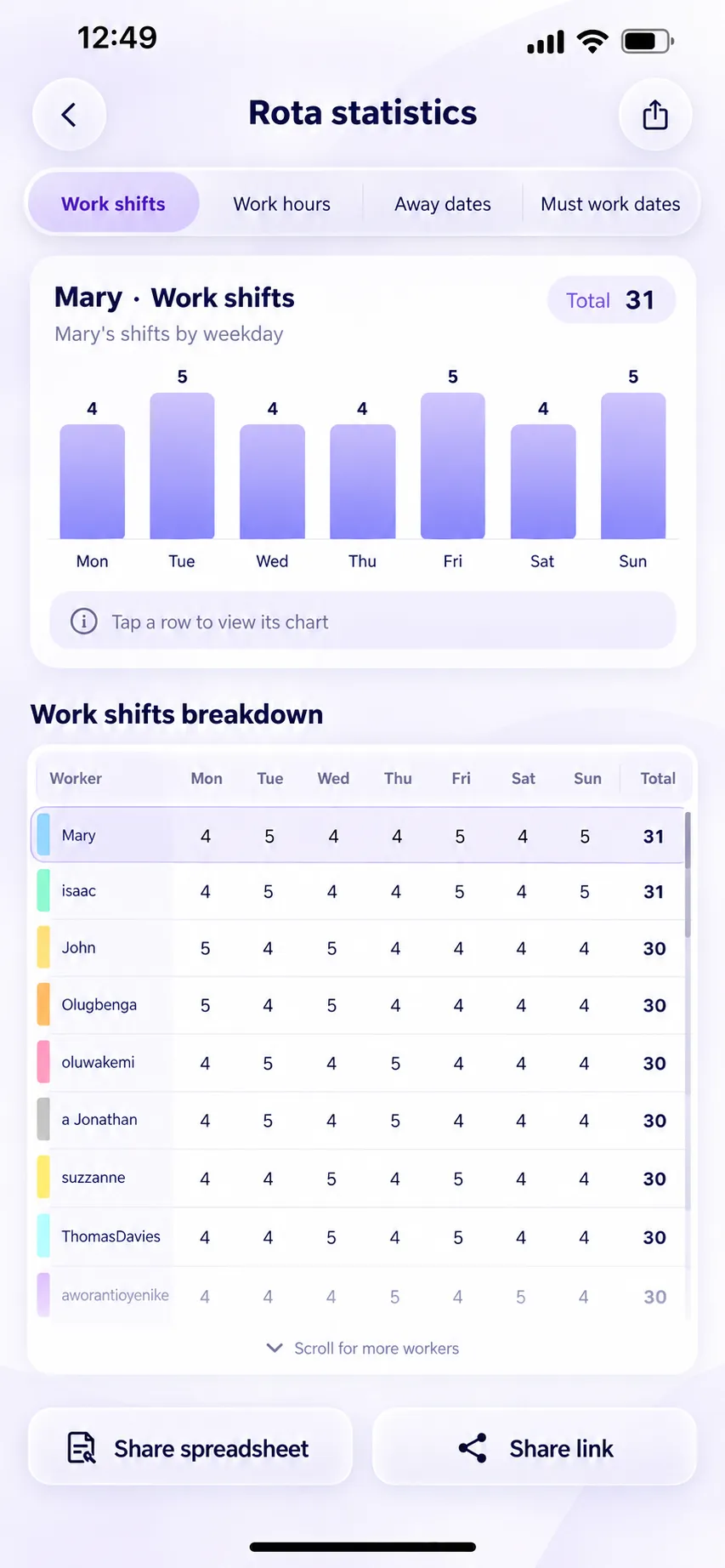
See shifts and hours by worker, with clear charts and breakdowns. Get to know the rhythm of your rota.
A little more order. A lot less effort.
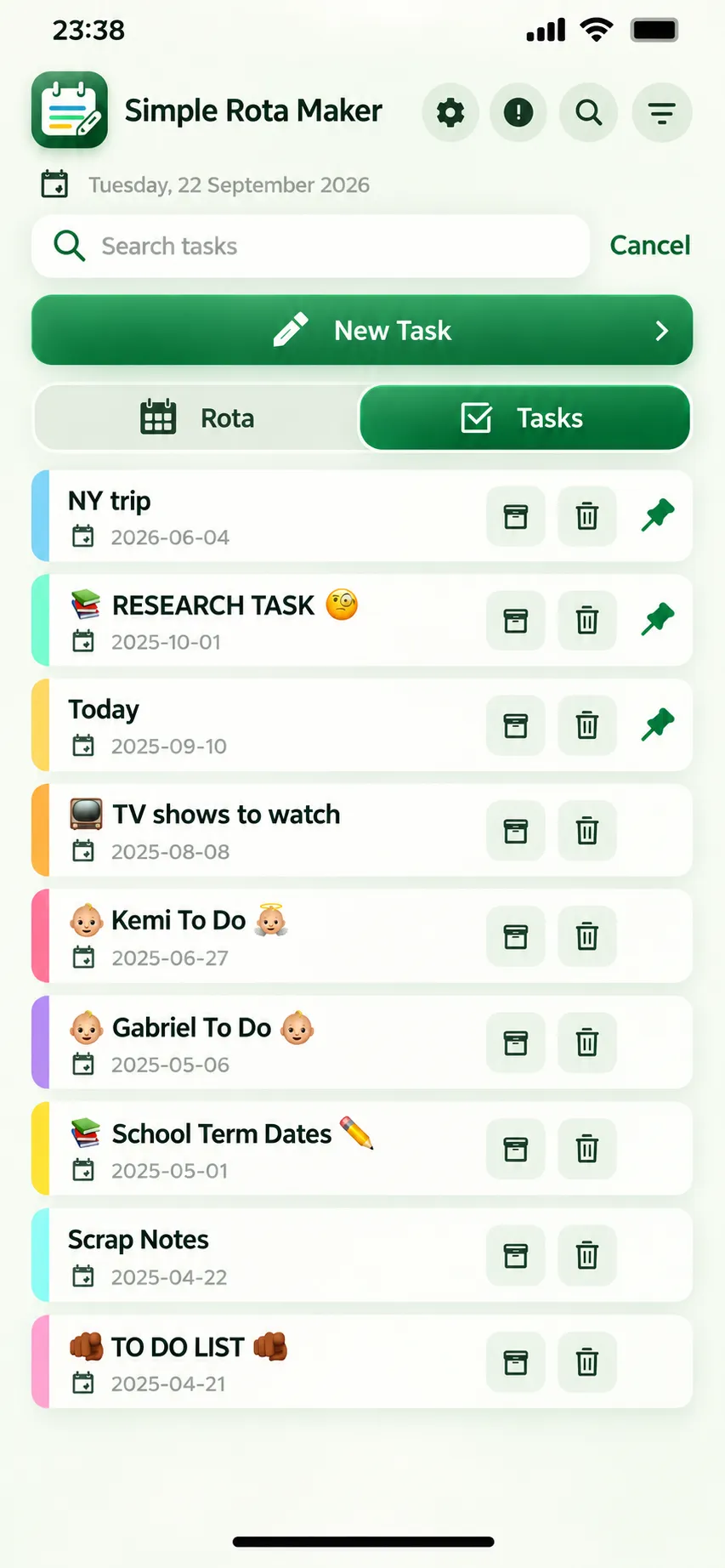
Team rotas. Your shifts. Everyday tasks.
Bring it all together, wherever life takes you.


Free to download. Optional in-app purchases.
A growing community
Trusted by workers from
Made for the way you work
A whole team to organise.
Or just your own busy week.
Start with the plan that fits.
Choose a rota type to explore
Choose your working pattern, add your team and let Simple Rota Maker build the schedule. Make room for Away dates and Must Work dates, too.
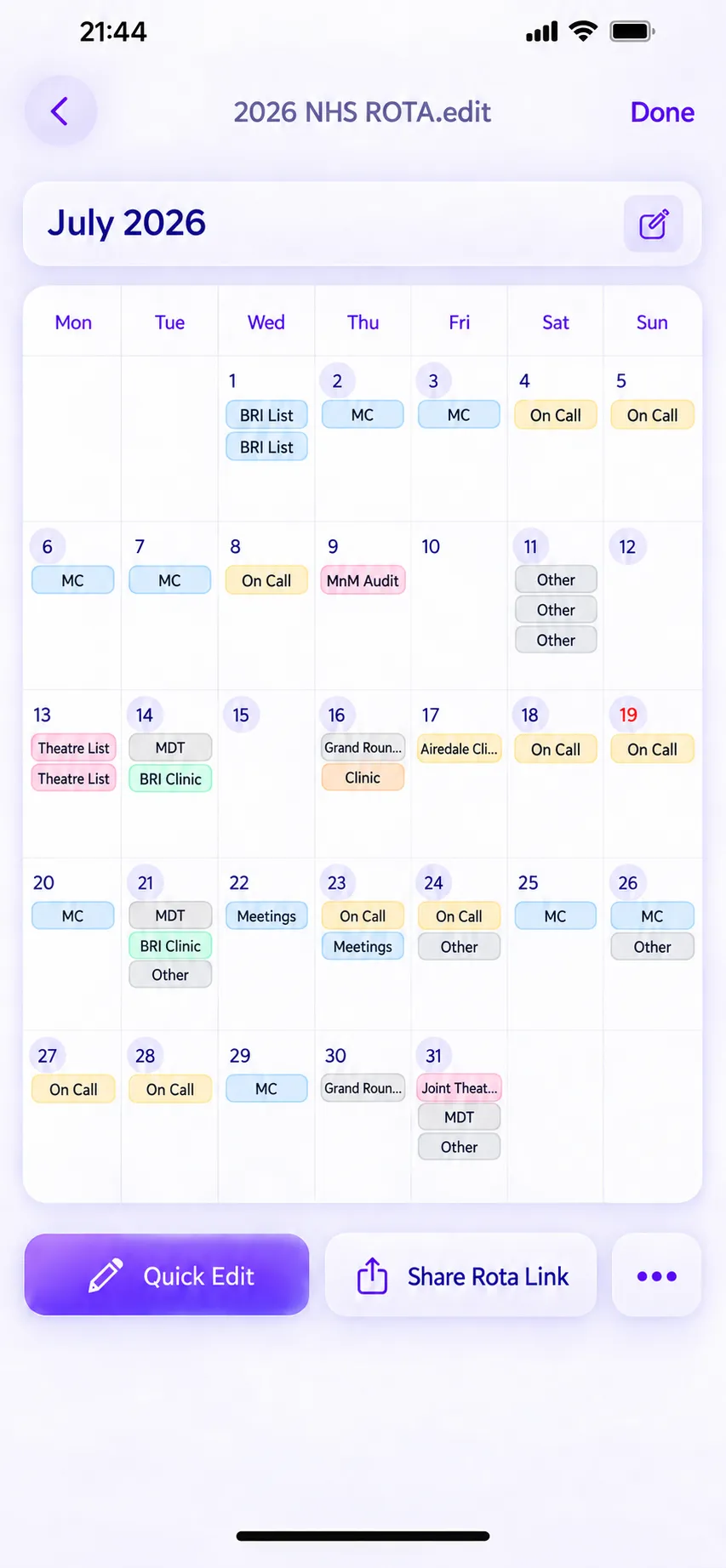
Already know who is working when? Put the rota together your way. Add shifts, adjust the details and see the whole month at a glance.
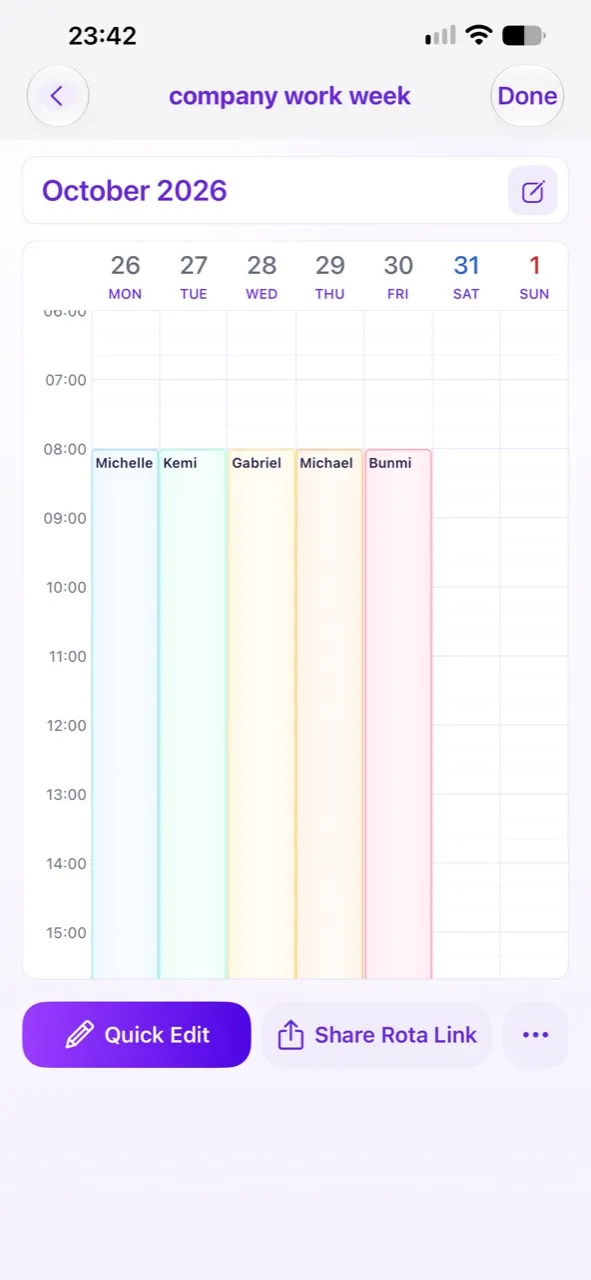
Early starts, late finishes and everything in between. Keep your shifts and appointments in a calendar that makes sense to you.
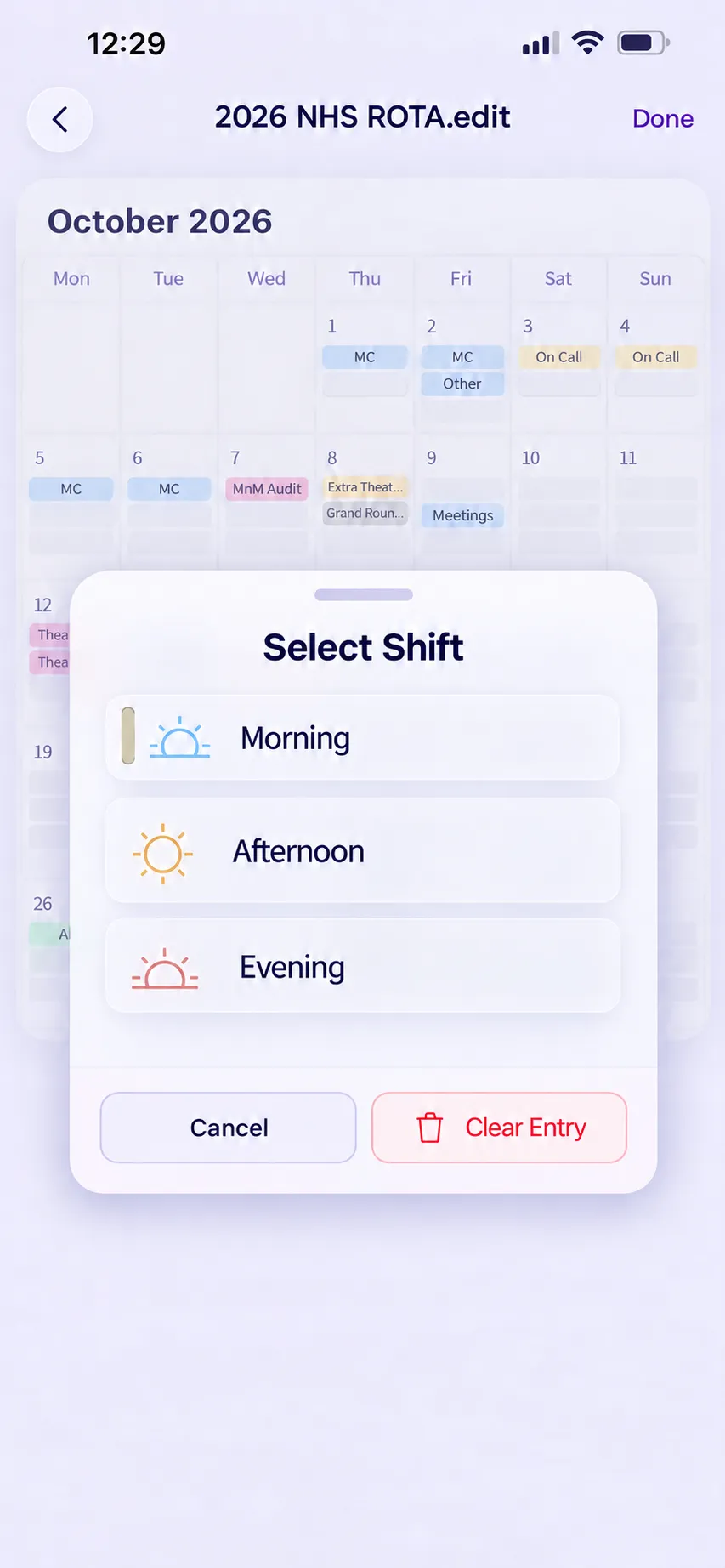
Some automatic patterns are available with an optional in-app purchase.
A rhythm for every team
From repeating work blocks to a rota that keeps going, find a pattern that fits.
Try both rolling rota examples
Work. Rest. Repeat.
Build a repeating work-and-rest pattern around the way your team works. Choose blocks that suit you, such as four days on and three days off.
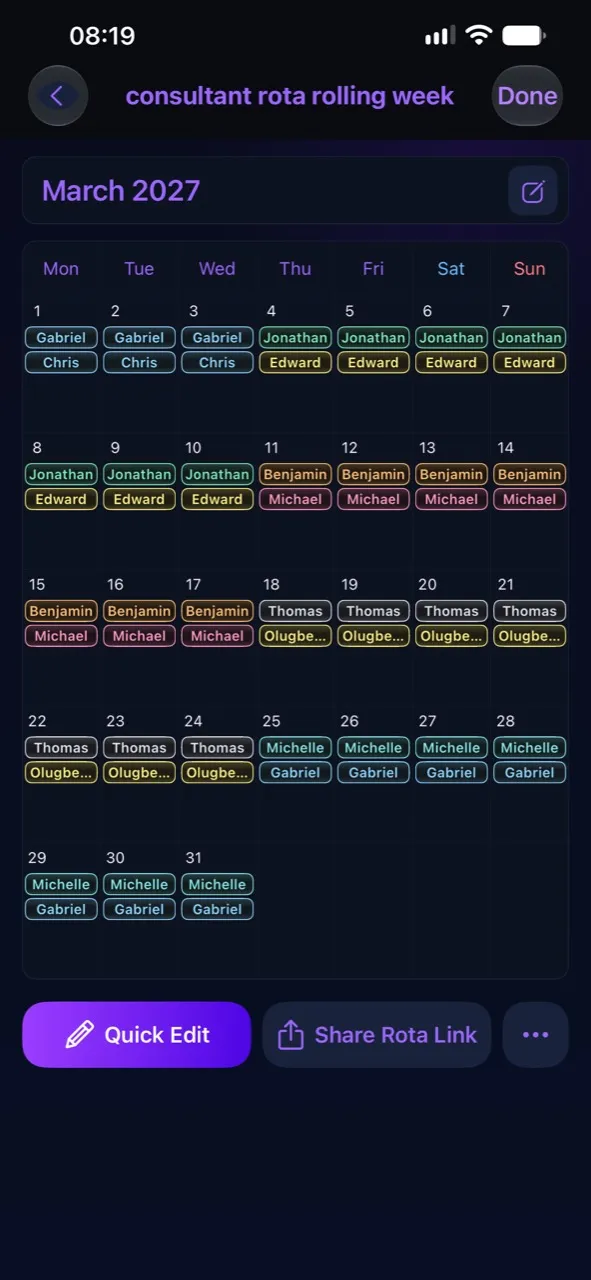
Keep your team moving.
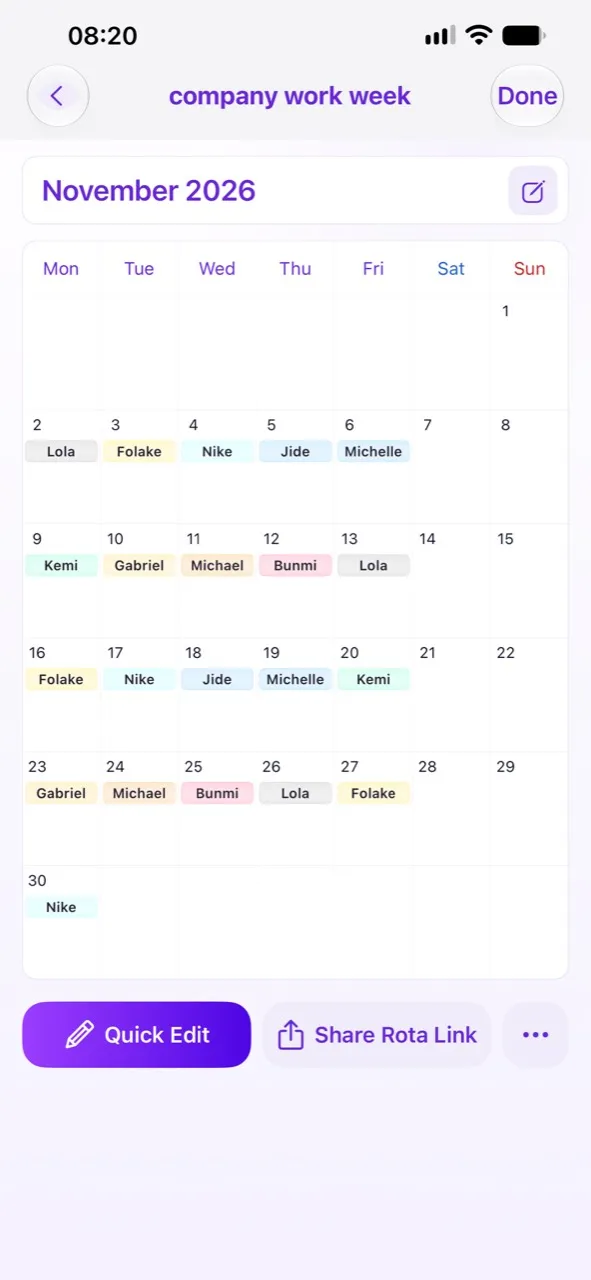
Set up your working pattern and keep the rota rolling indefinitely. Add unlimited workers, with room for your team to grow.
The details make the difference
See shifts and hours by worker, with clear charts and breakdowns. Get to know the rhythm of your rota.
Make a checklist. Add colour, bold headings, bullets and numbered steps. Keep the little details—and voice notes—in one place.
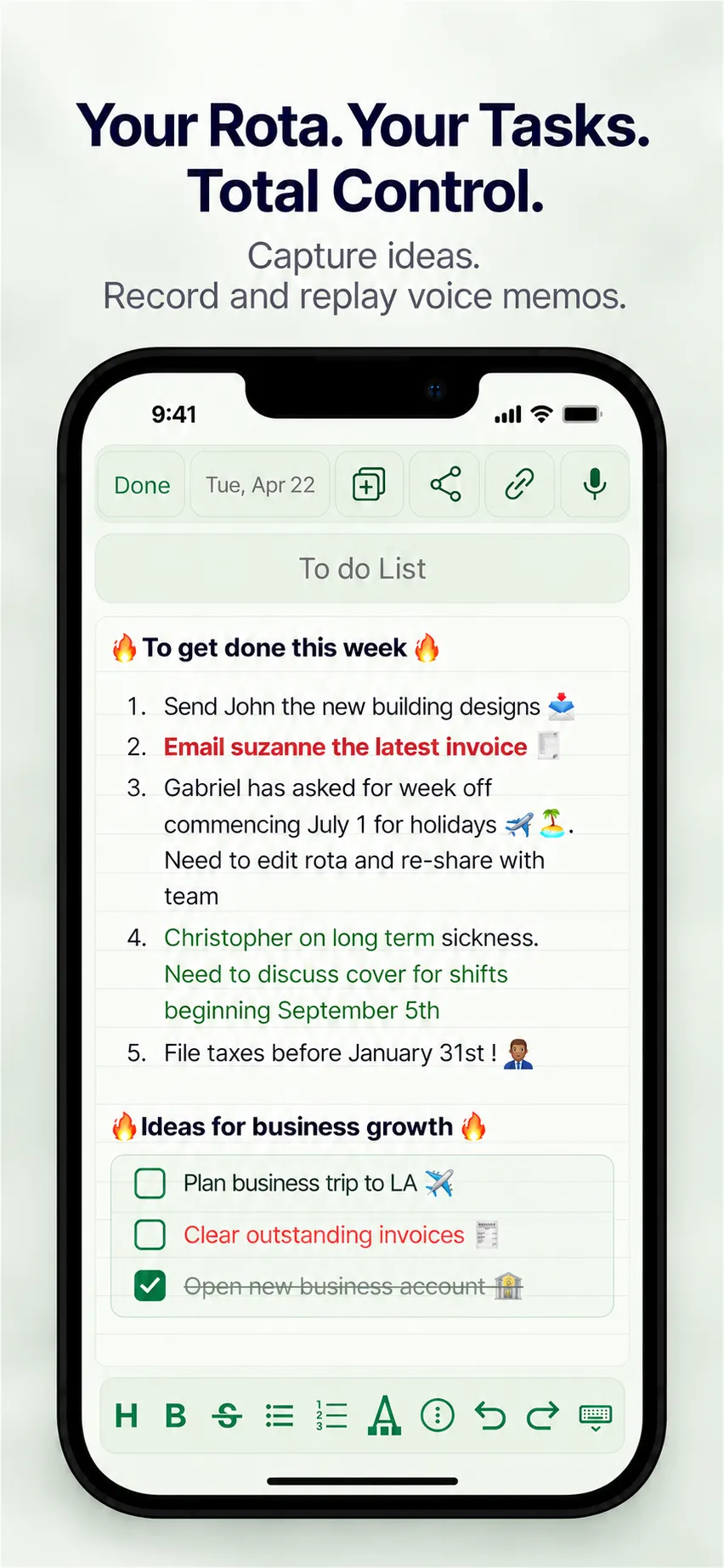
Date notes
Your shifts tell you when. Date notes keep the rest close by.
Add notes, to-dos and checklists to individual days in your manual rota. Plan a handover, remember a deadline or keep the day’s priorities beside its shifts.
Available in manual and personal rotas.
A date. A note. Everything in its place.
Keep the thought. Hear it again.
A quick handover. An idea for later. Add voice recordings to your tasks, rota notes or date notes, and listen back when you need the details.
Feature illustration
Beyond the calendar
A spreadsheet for the team. A shift list for you. Practical tools for whatever comes next.
Take your full rota into a spreadsheet for planning and sharing.
Find your shifts in a focused list, then add them to your calendar.
Turn your calendar view into an image to keep, send or print.
Save a viewing copy of your rota and text notes on your device.
Add shifts to your calendar and set reminders for what’s coming up.
Send a rota, statistics or shift-list link to someone using the app.
Offline copies are for viewing. Editing and saving changes require internet.
Inside the app
Choose a screen to explore
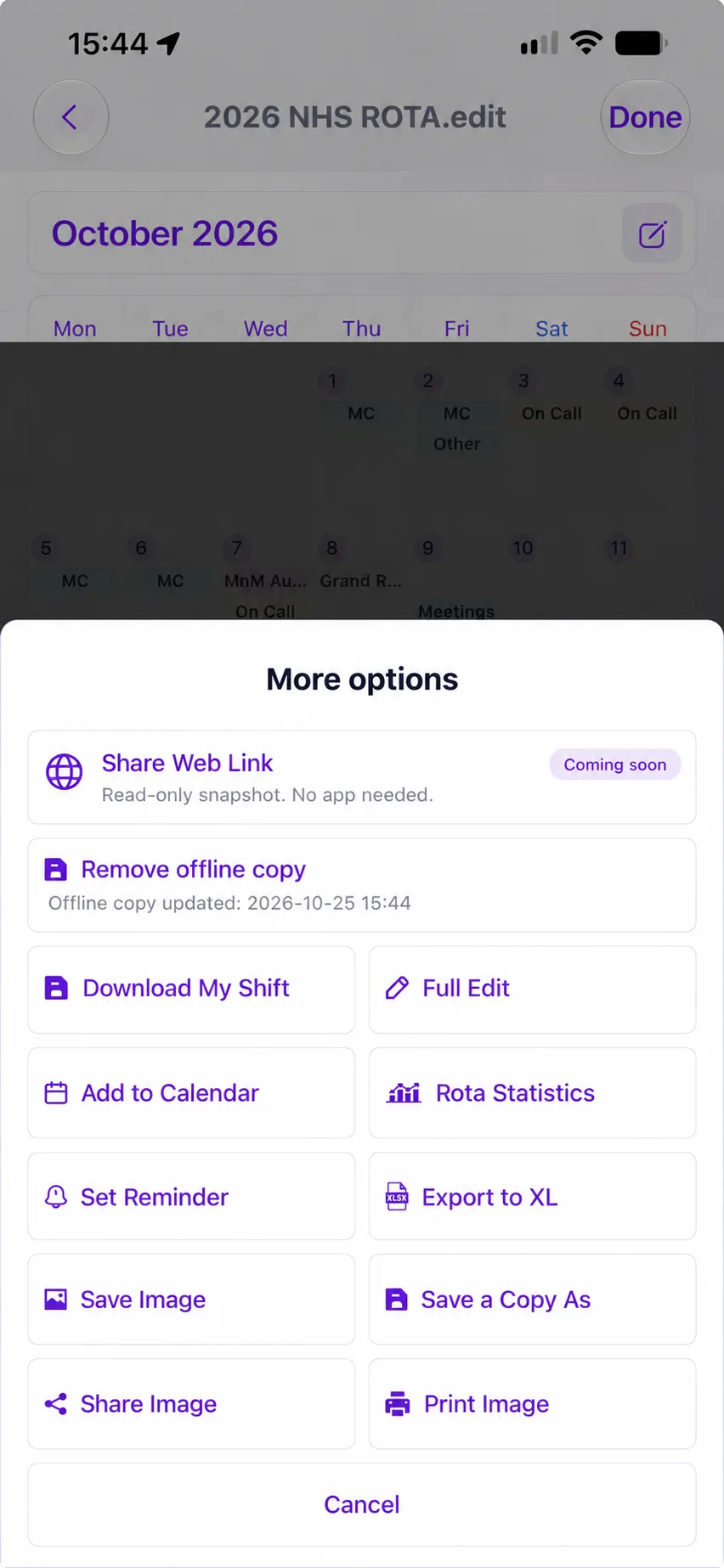
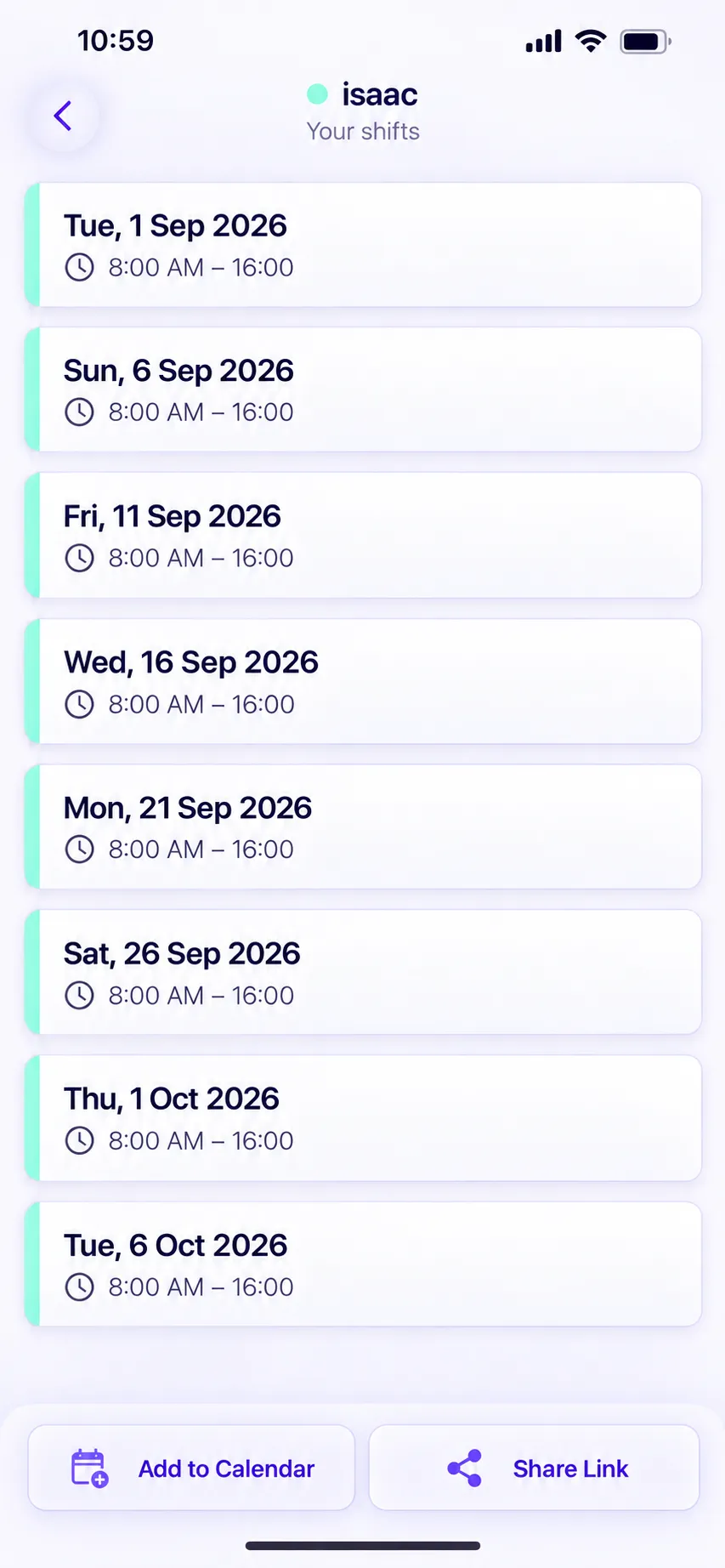
Showing: More options
Comfortably familiar. Day or night.
A clear view, whatever your hours. Explore your week or month, in light and dark themes.
Try the views and themes
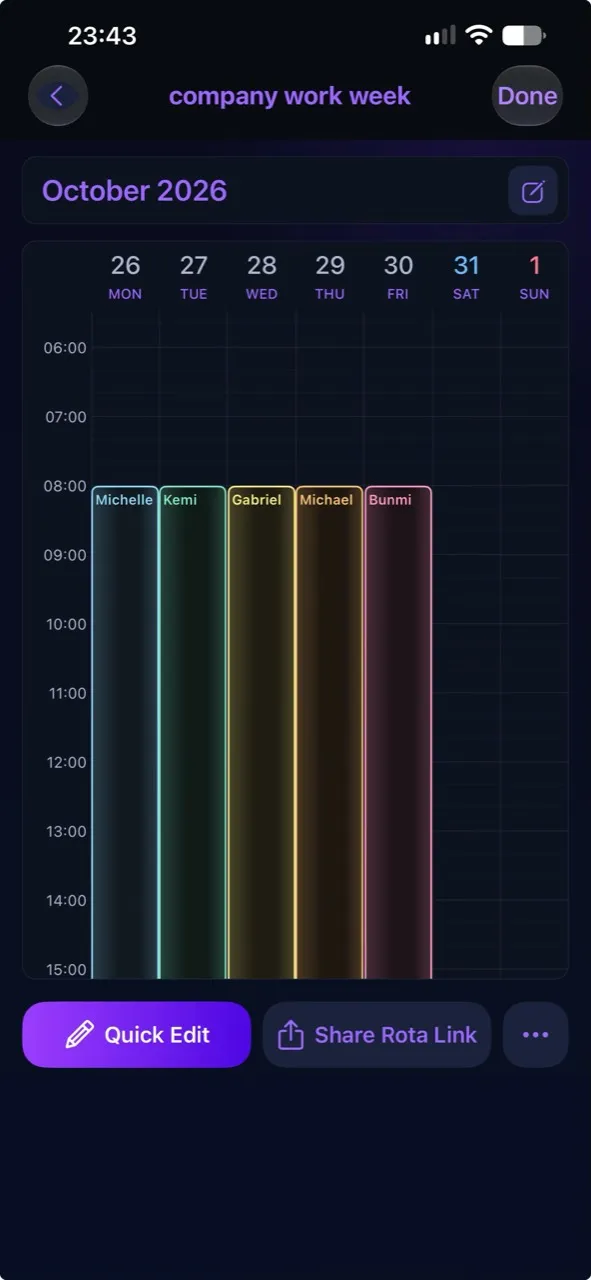
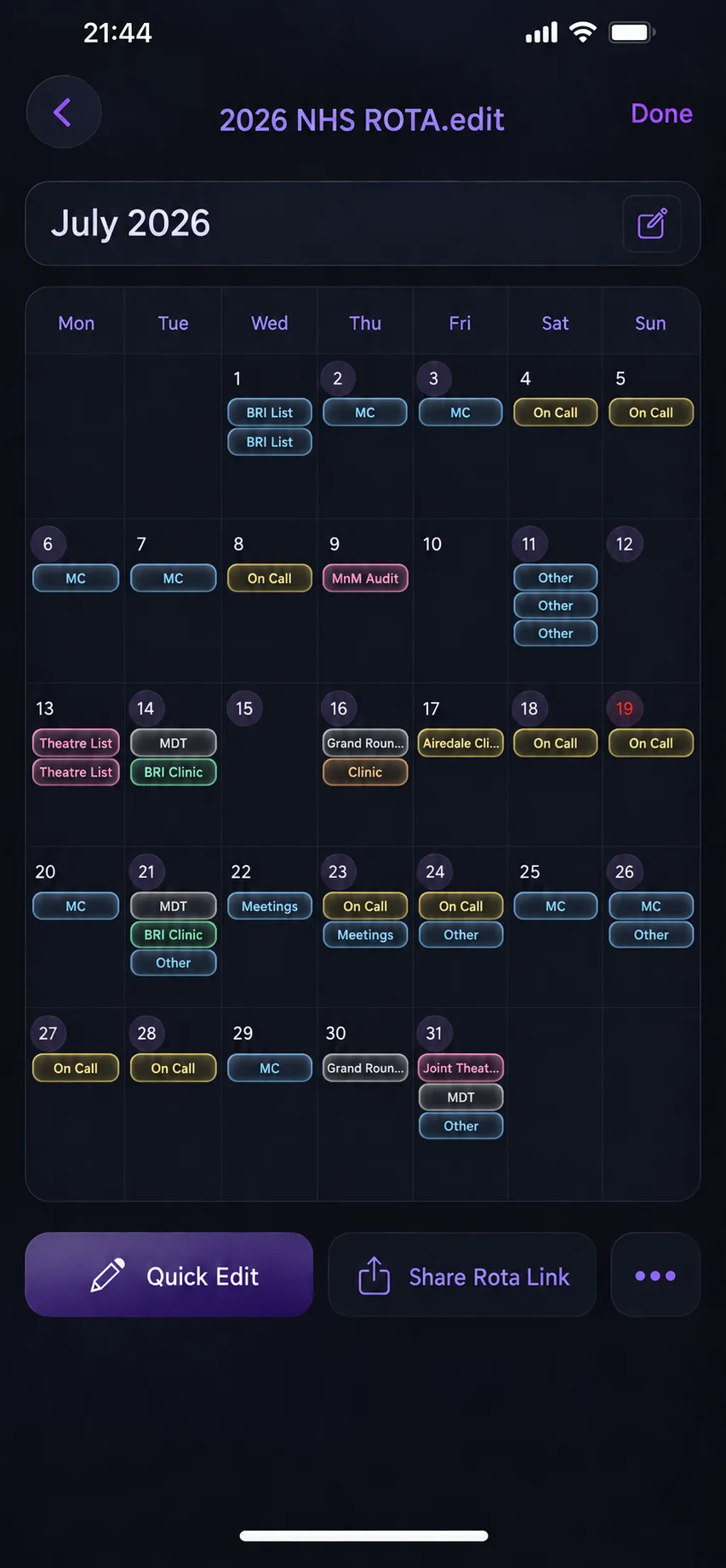
Coming soon A little more perspective
We’re bringing earnings estimates to your rota. See how hours, rates and unpaid breaks could come together in one clear report.

Example team
–
£ GBP exampleEstimated gross earnings
90 payable hours 12 shiftsPayable hours × hourly rate. Estimates before tax and deductions; overtime is excluded.
An illustrative screen for a forthcoming feature.
Less setup. More getting on.
Choose an automatic rota, a manual plan or a personal shift calendar.
Add your workers, dates and shifts. Bring the details together in one place.
Check the schedule, share a copy and take your next step with a clearer plan.
A few helpful answers
Yes. Generate an automatic rolling rota for a team, build a manual rota, or enter a personal schedule for your own shifts and appointments.
Automatic patterns include weekdays, weekdays and weekends, selected working days and rolling work/rest blocks. Some patterns require an in-app purchase.
When someone opens your rota link in Simple Rota Maker, the app saves a separate copy with “.share” added to the name. They can work with and share that copy without changing your original.
This is a copy-based sharing flow. Editing your rota does not silently synchronise a copy that someone has already saved.
Yes. Simple Rota Maker is free to download on the App Store and Google Play. The app contains advertising and offers optional in-app purchases for additional features.
Check your app store or the purchase screen for current availability and pricing.

Your next week starts here
Download Simple Rota Maker and find your rhythm.
For iPhone, iPad and Android. Free download with optional in-app purchases.